Salesforce CRM Automation for Growing Teams: Where to Start
A practical guide to Salesforce automation for growing sales and service teams—lead routing, Flow, reporting, and adoption without overbuilding a messy org that nobody uses.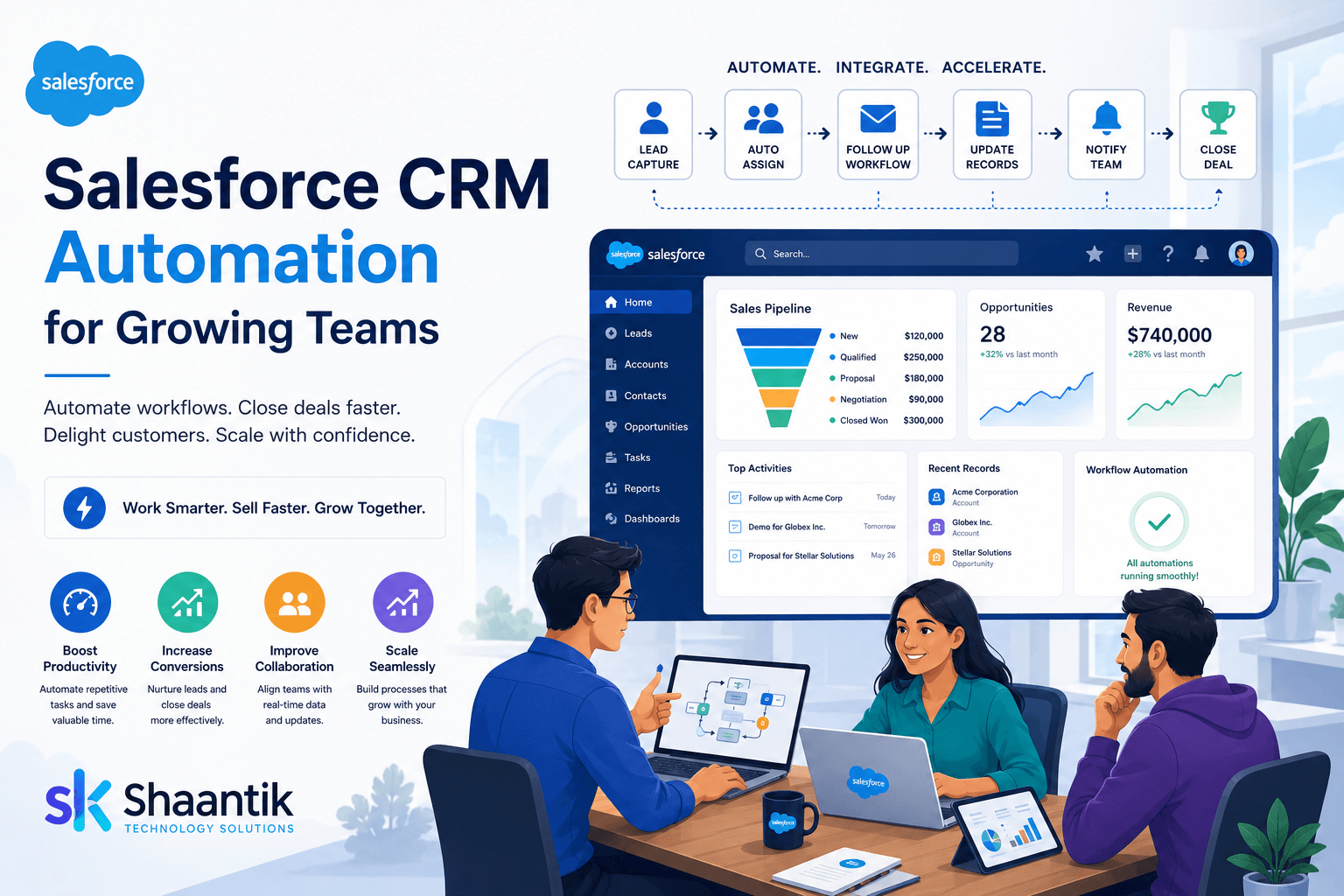
Introduction
Salesforce only creates growth when the CRM matches how your team actually sells and supports customers. Many orgs fail because they customize everything on day one—or because nothing is automated and reps live in spreadsheets.
The goal is not “more Salesforce features.” The goal is faster follow-up, cleaner pipeline data, and reports leadership trusts.
This guide focuses on high-ROI Salesforce automation for growing teams. For hands-on setup, see our Salesforce consulting service or contact Shaantik.
1. Fix the Pipeline Before You Automate
Automation on a messy pipeline creates faster chaos. Align stages, required fields, and ownership first.
How to Fix It
- Define clear opportunity stages with exit criteria.
- Decide who owns leads vs opportunities.
- Remove unused fields that slow data entry.
- Agree on one source of truth for revenue reporting.
2. Automate Lead Capture and Assignment
Speed-to-lead is usually the first win. Route inbound leads by service, region, or deal size so the right person responds quickly.
How to Fix It
- Connect website and form leads into Salesforce cleanly.
- Use assignment rules or Flow for fair, fast routing.
- Create follow-up tasks or Slack/email alerts.
- Track response time as a team KPI.
3. Use Flow for Real Work, Not Vanity Automations
Flow should remove repetitive admin work: stage-based tasks, renewal reminders, handoffs to service, and approval paths. Avoid automations nobody understands or can maintain.
- Document every Flow: trigger, owner, and rollback plan.
- Prefer fewer reliable automations over dozens of fragile ones.
- Test with sample records before production rollout.
- Review Flow error emails weekly in the first month.
4. Dashboards Leadership Will Actually Open
If dashboards disagree with finance or sales intuition, people stop looking. Build a short set of trusted views.
- Pipeline by stage and owner.
- Conversion rates by source.
- Activity and follow-up SLA.
- Service queue health if you use Service Cloud.
5. Adoption Beats Customization
Leadership needs trusted dashboards; reps need a CRM that is faster than their notes app. Train by role and keep the UI simple.
- Personal home views for reps (my leads, my tasks).
- Short role-based training + written SOPs.
- Remove cluttered related lists and unused apps.
- Celebrate clean data in weekly sales meetings.
If your Salesforce org feels abandoned or overbuilt, Shaantik can audit and simplify it.
Conclusion
Start with pipeline clarity, lead routing, a few high-value Flows, and dashboards people actually open. That sequence beats a giant customization project that never gets adopted.
Ready to clean up Salesforce? Explore Salesforce consulting or book a discovery call.
Frequently Asked Questions
Do we need Salesforce from day one?
Not always. Once you have multiple reps, inbound volume, or reporting pressure, Salesforce (or a serious CRM) becomes worth it.
Can you fix an existing messy org?
Yes. Cleanup, automation, and adoption work are common—often more valuable than a greenfield rebuild.
How long does a focused Salesforce project take?
Many lead-routing and Flow programs ship in 3–8 weeks after discovery, depending on integrations and data quality.
Will you train our team?
Yes. Role-based training and documentation are part of a durable Salesforce engagement.
Related service: Salesforce Consulting — Shaantik Salesforce consulting for Sales Cloud, Service Cloud, Flow automation, custom objects, dashboards, integrations, and CRM adoption training.