TypeScript for React Developers: A Practical Starter Guide
TypeScript makes React apps easier to maintain and safer to change. This practical starter guide shows where to begin, what to type first, and how to avoid over-complicating your codebase.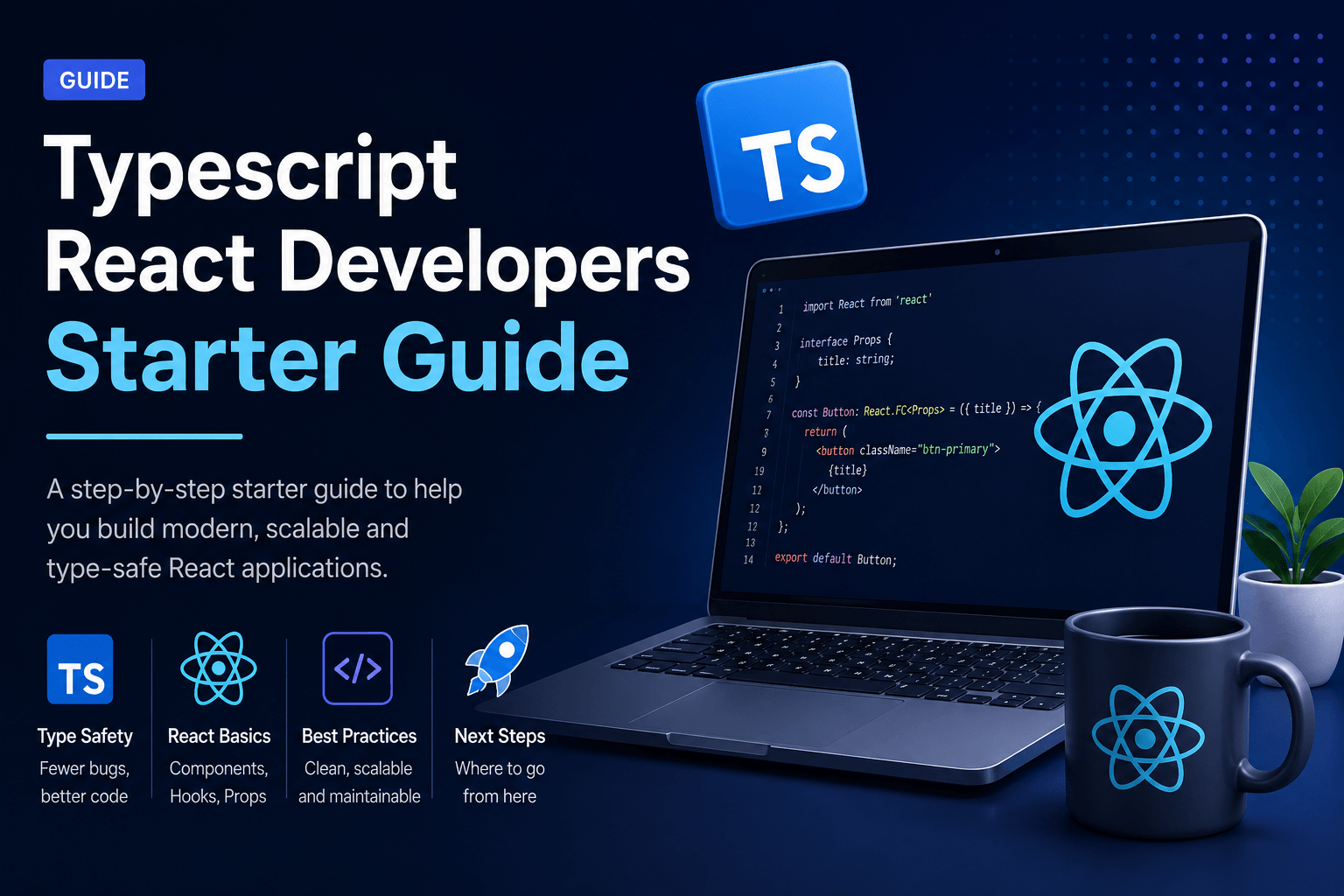
Introduction
Many React developers delay TypeScript because it looks complex from the outside. In practice, you can get most of the value by typing a few high-leverage places well.
TypeScript shines when it documents contracts: component props, API payloads, form values, and shared domain objects. That is where runtime surprises usually hide.
This starter guide focuses on practical adoption—not academic type gymnastics. Shipping a React product site? See website development or contact Shaantik.
2. Let Inference Do Normal Work
You do not need to annotate every variable. Explicit types belong on boundaries; local inference can handle the rest.
Practical Rule
- Type function inputs and public return contracts.
- Avoid noisy annotations on obvious locals.
- Prefer clear names over complex nested types at first.
- Tighten types only when bugs or ambiguity appear.
3. Make Invalid States Harder to Express
Union types and narrowed state help React components model real UI conditions—loading, success, empty, and error—without impossible combinations.
Examples
- Discriminated unions for async UI state
- Optional fields only when truly optional
- Enums or union literals for fixed statuses
- Exhaustive checks in switch rendering logic
4. Adopt TypeScript Incrementally
You do not need a big-bang rewrite. Convert one module, one form, or one feature slice at a time while shipping product work.
Adoption Path
- Enable TypeScript on new files first.
- Convert shared utilities and API clients.
- Tighten critical UI flows.
- Raise strictness once the team is comfortable.
Conclusion
TypeScript helps React teams move faster with fewer regressions when used on the right boundaries. Start practical, keep types readable, and increase strictness gradually.
The goal is safer delivery—not perfect type purity. Need a production React build? Talk to Shaantik about custom website development.
Frequently Asked Questions
Is TypeScript required for React?
No, but it is strongly recommended for growing codebases and teams.
Will TypeScript slow development down?
There is a short learning curve. Most teams regain speed through fewer runtime bugs and clearer refactors.
What should I type first?
Props, API responses, and form values—these create the most immediate reliability gains.
Do I need strict mode immediately?
Not on day one. Increase strictness after the team is comfortable with core patterns.
Related service: Website Development — Shaantik builds fast, SEO-ready custom websites, landing pages, and e-commerce platforms with React, Next.js, CMS integrations, and conversion-focused design.